Digital Trading Profiles
SharesPost
Lead Designer
10/2019 – 11/2020
“This company desperately needs a way to collect and store our user’s trading profiles…” he said. “We need to have it online in three months.”
The CTO called me into his office on Monday morning, my second week on the job as SharesPost’s first Designer. This was mid-October of 2019, and I took a seat next to the Product Manager (my new boss), the VP Engineering, and the Principle Engineer.
I needed to learn how trades of private company stock worked, and fast.
Summary: Outcomes
Human
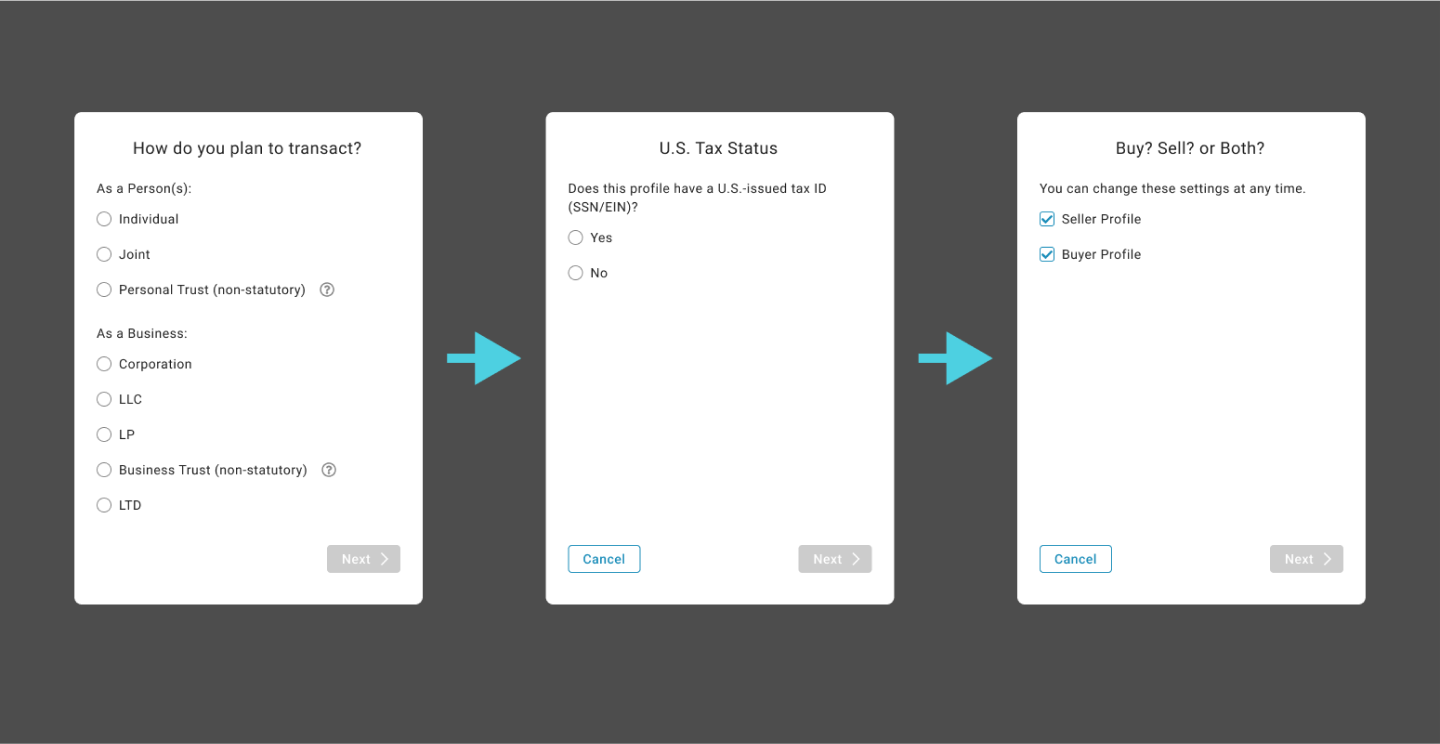
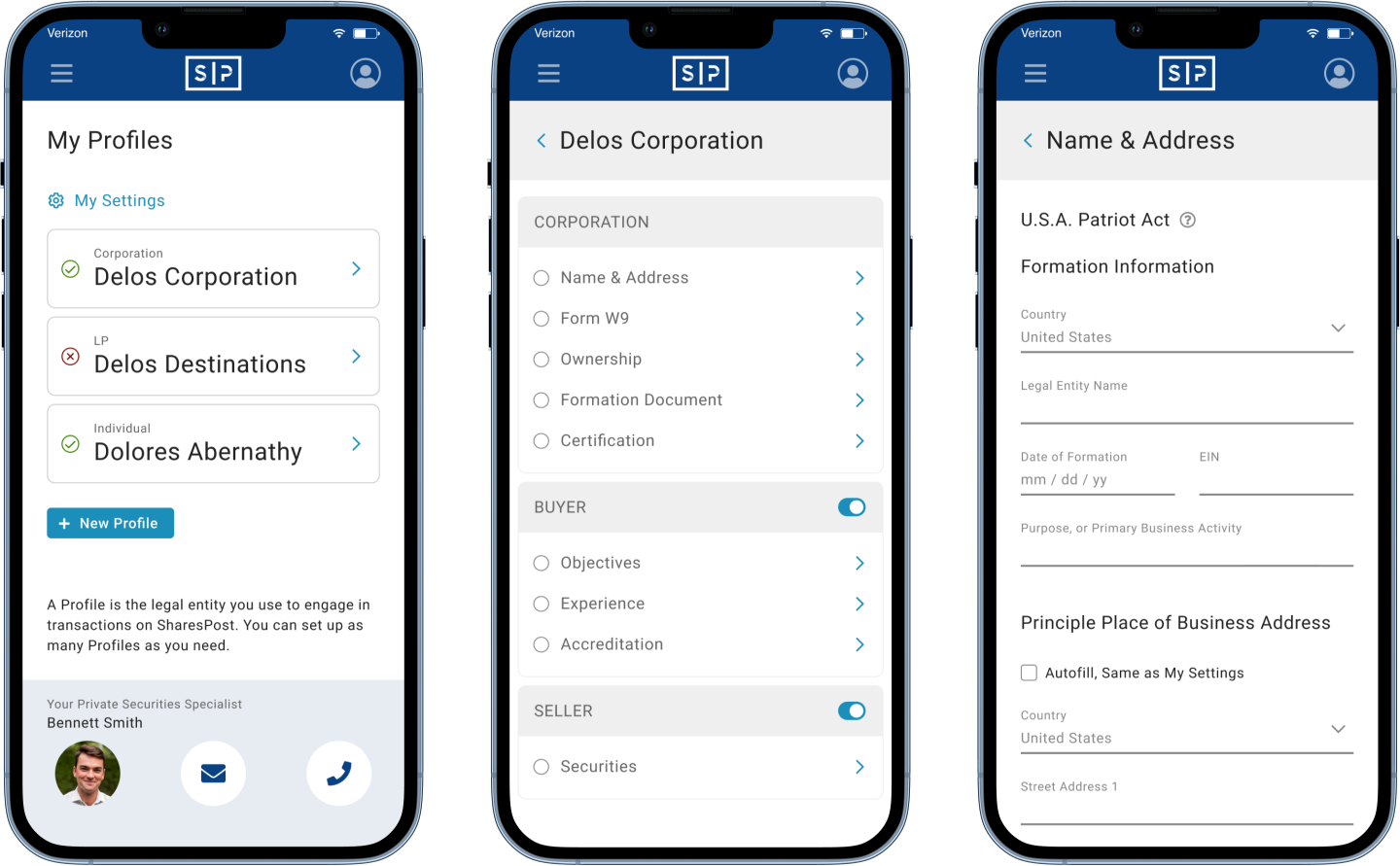
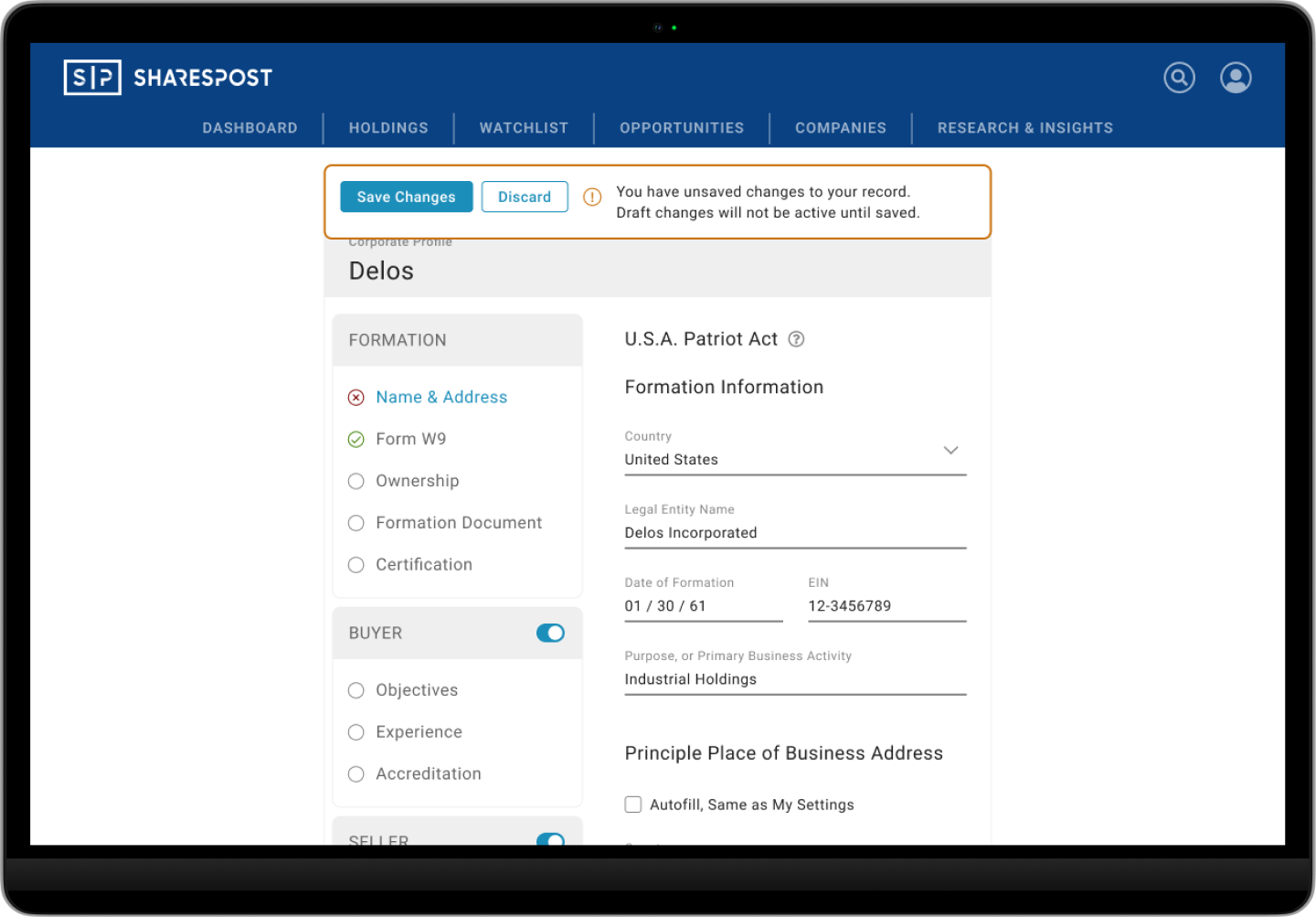
Created a client self-serve workflow for profile completion
- Cut time for trade completion by approximately half
- Significant increase in trade completion rate
- Dramatic profile time savings for clients and brokers
Consolidated & simplified the legal document suite
- Legal team reviewed and re-written
- Legal Entity document types reduced from 9 to 2 core types
- Reduced jargon, standardized forms, and included Help tips
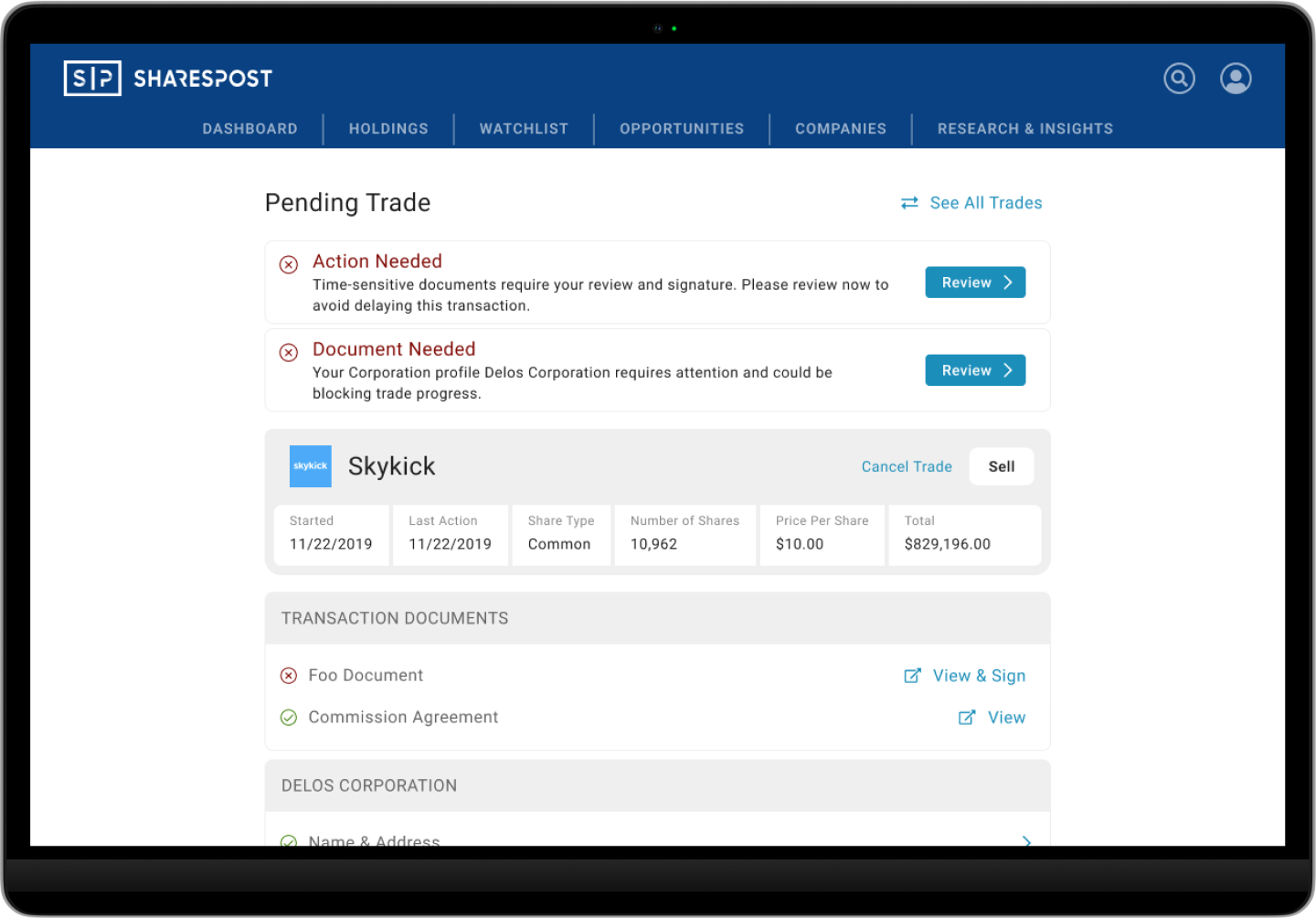
Improved client trade status and action item communication
- Document signing and status
- Counter-party status and next steps
- Reduced burden on broker team for client communication
Improved internal team trade status and action item communication
- Reduced confusion and effort
- Shortened time at every step of the process
- Increased the volume of completed trades
Technology
- Client trading profile storage and reuse
- Improved Broker team task efficiency
- Improved Compliance & Ops team task efficiency
- Documents signed with DocuSign integration
A Critical Business Problem
Client Champion
My point person on all questions related to product requirements, our business, and our clients was the Product Manager. He understood the business well, but most of my questions pointed to others in the company for authoritative answers.
I talked with leaders of the Operations, Legal, and Compliance teams, and a dozen Brokers to understand what was really going on, and why. I learned the aggregated stories of hundreds of transactions — Pain points, what caused trades to fail, and what was needed for trades to go smoothly.
Our experienced team knew first-hand the problems we needed to solve to make a dramatic improvement for our clients. Delivering a solution to address them quickly meant that I could not talk directly to clients or perform user testing until after we had a first version of a digital trading profile.
Through a process of humble inquiry I learned what was required by law, what had simply been carried over from the past, what could be changed, and what couldn’t for one reason or another. I heard what the business needed, and what customers complained about.
The existing platform was causing problems for everyone involved. The client experience was our main focus, but platform limitations and poor internal experience was also making it difficult for the company to realize its potential.
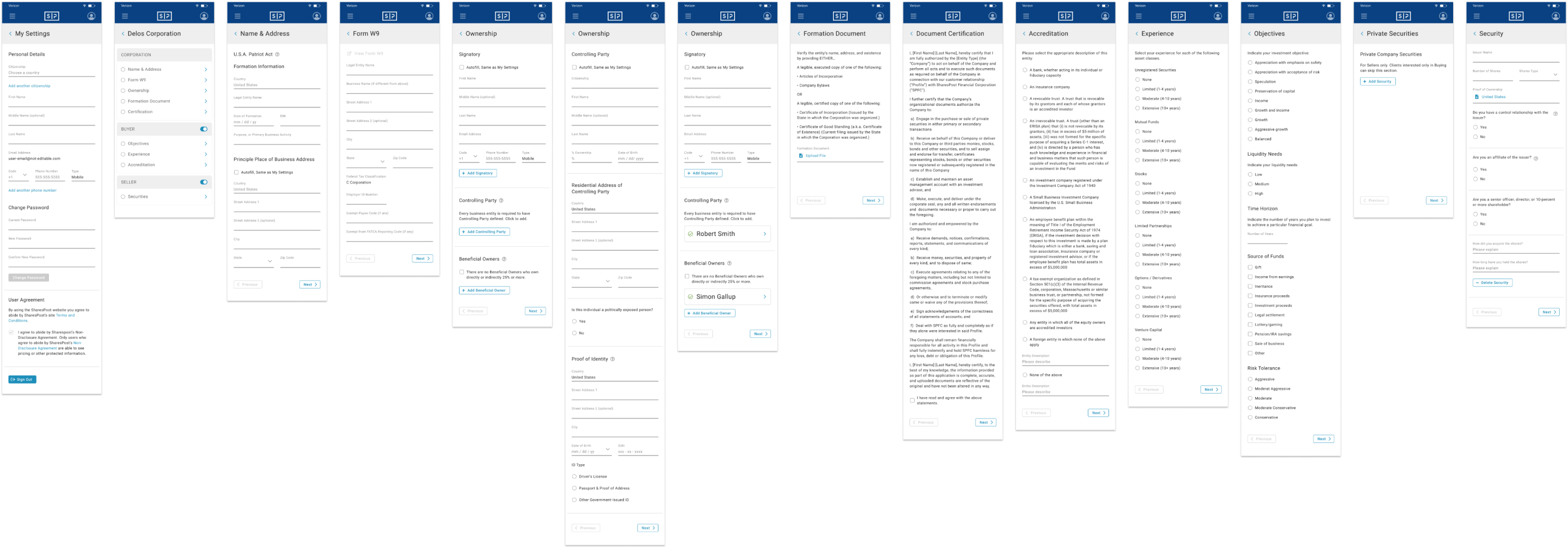
I translated the business process and requirements into workflows and screen wireframes. I created screens and documented interactions for Engineering, and began defining standards for Visual Design and Design System. I established a user-focused content strategy, working with Product and Legal to eliminate jargon and use consistent, approachable terminology wherever possible.
My Role
Research & Discovery
- Business processes and workflows
- Client processes and interactions
- Technology interactions and constraints
Information Architecture & Navigation
- Transformed paper-based processes into digital workflows
- Defined patterns for navigating complex forms
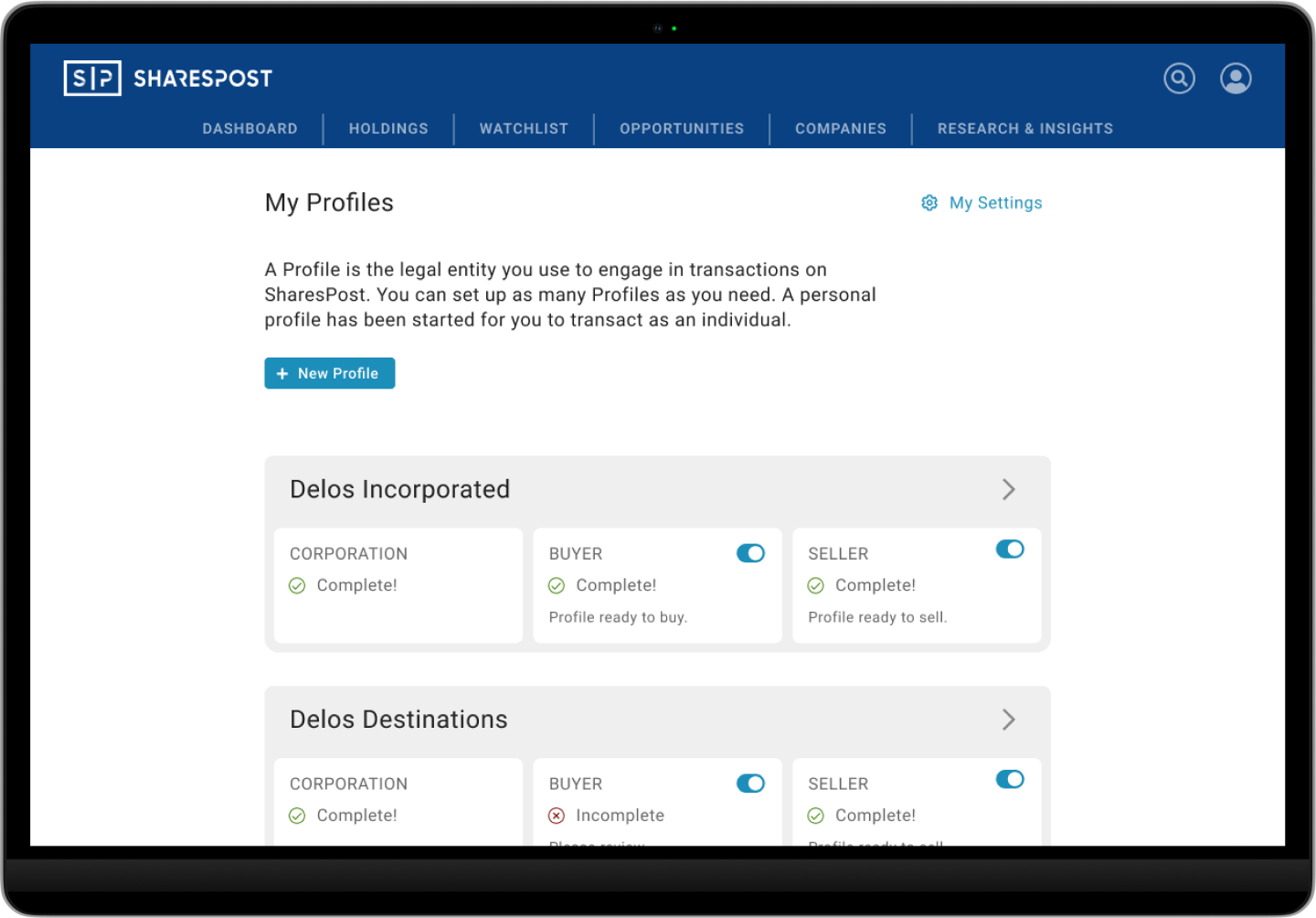
- Patterns for completion status and states
Detailed UI design & Design System
- Created low-fidelity wireframes
- Created high-fidelity mockups and Engineering guides
- Established a component library and Visual standards
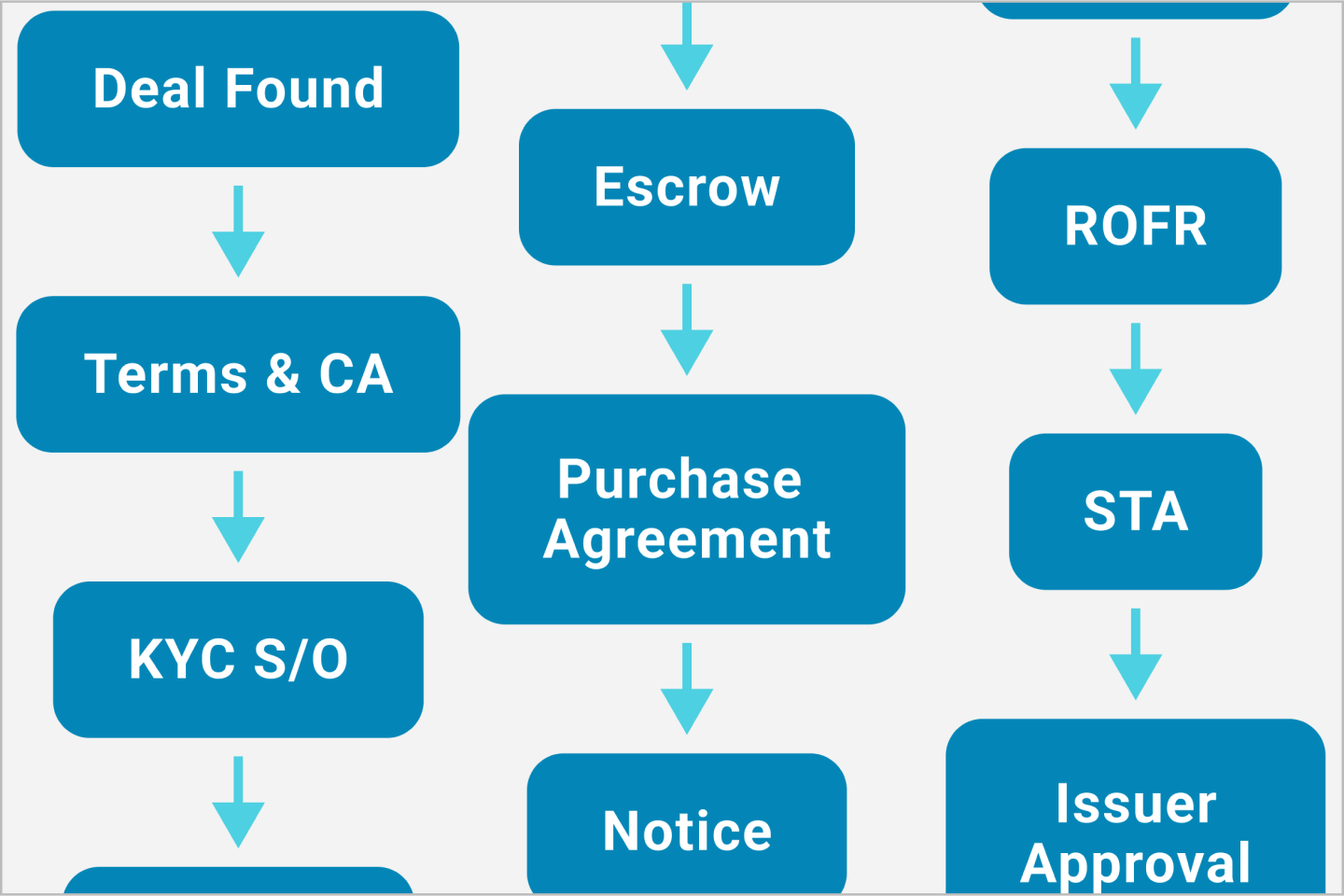
Why It Mattered
- Trades could not begin until both buyer and seller (often multiple sellers) had a fully complete trading profile
- Completing a trade profile was a detailed, sometimes complicated process, and historically consisted of many paper-based legal documents
- Federal Know Your Customer, Anti-Money Laundering, and SEC regulations required gathering “intrusive” personal information from clients
- Multiple players involved: Buyer(s), Seller(s), Brokers, Compliance, Operations, the CFO of the company being traded
- Delays sometimes caused one or another party to back out of the trade, resulting in lost clients and lost revenue
- Internal teams experienced cross-talk and delays that resulted in frustration and finger-pointing for lost business
- SharesPost had no way of storing profiles, requiring repeat Buyers or Sellers (usually professional traders, the most valuable clients) to repeat tedious work for each trade
Critical Business Operations
Step One, get profiles working. Step Two, worry about the experience. That’s not exactly the approach a Designer likes to hear.
The business was struggling to process the volume of transactions it had already. Increased client activity would only make existing problems worse. The Engineering team was already in motion, fixing back-end functionality and data processes.
As the new team member and first Designer, I needed to gain influence and credibility by making a positive impact wherever I could. I supported getting a functional experience in place by starting with a focus on Information Architecture, navigation, and interaction patterns. Visual Design, a design system, and optimized user experience were second priority. The plan was to "re-skin" the UI on top of better bones.
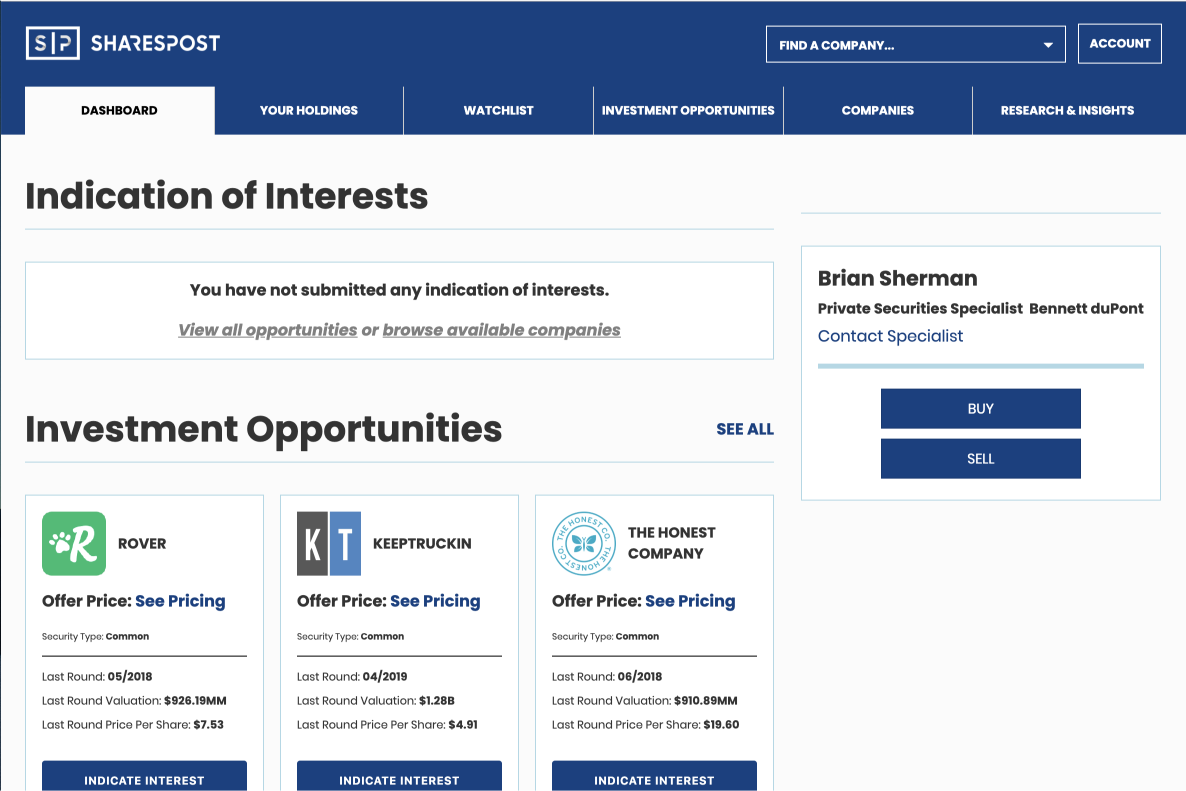
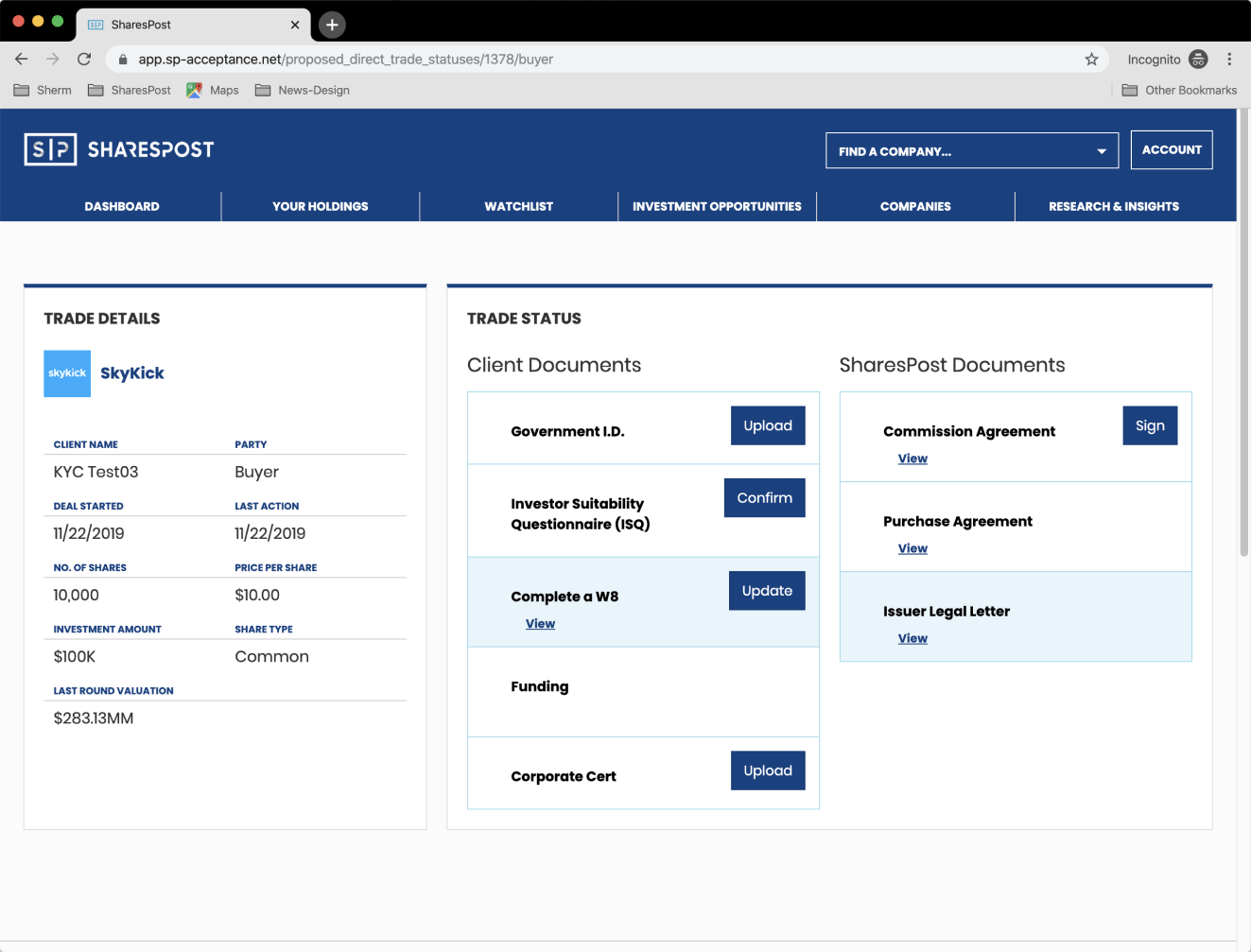
Poor client experience: Legacy product dashboard screen
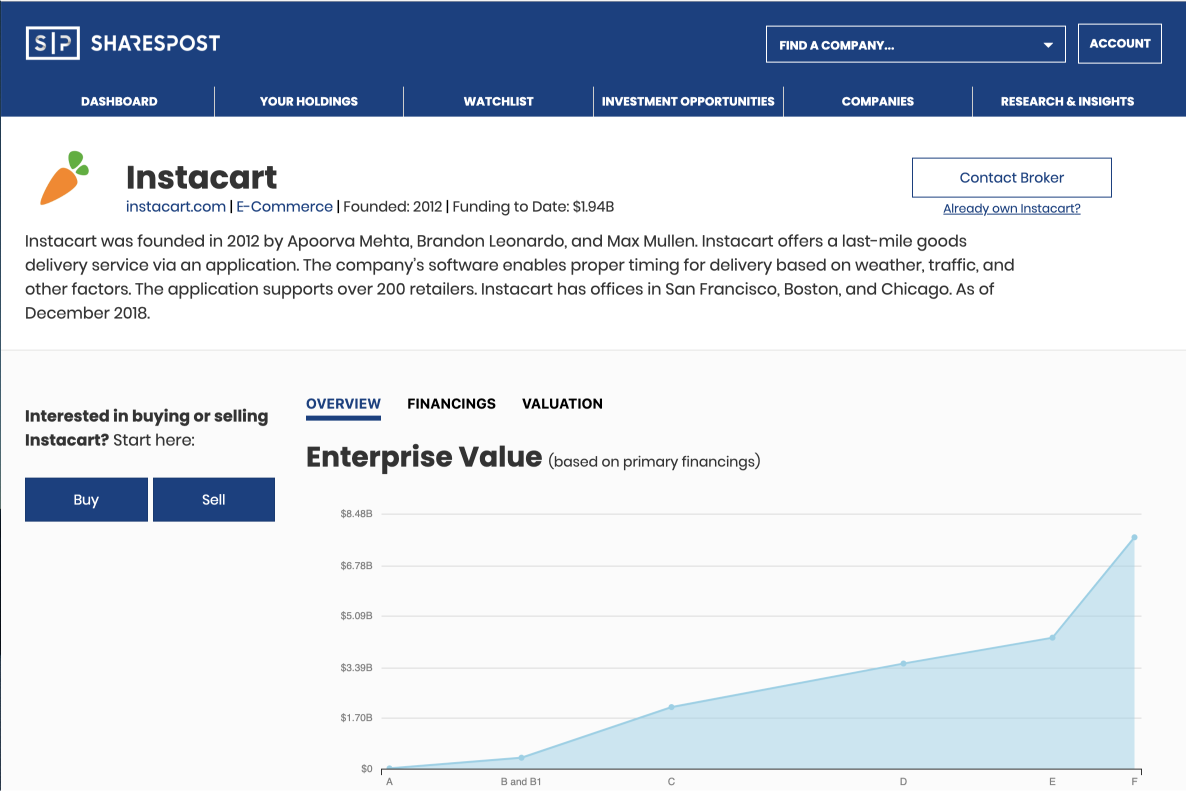
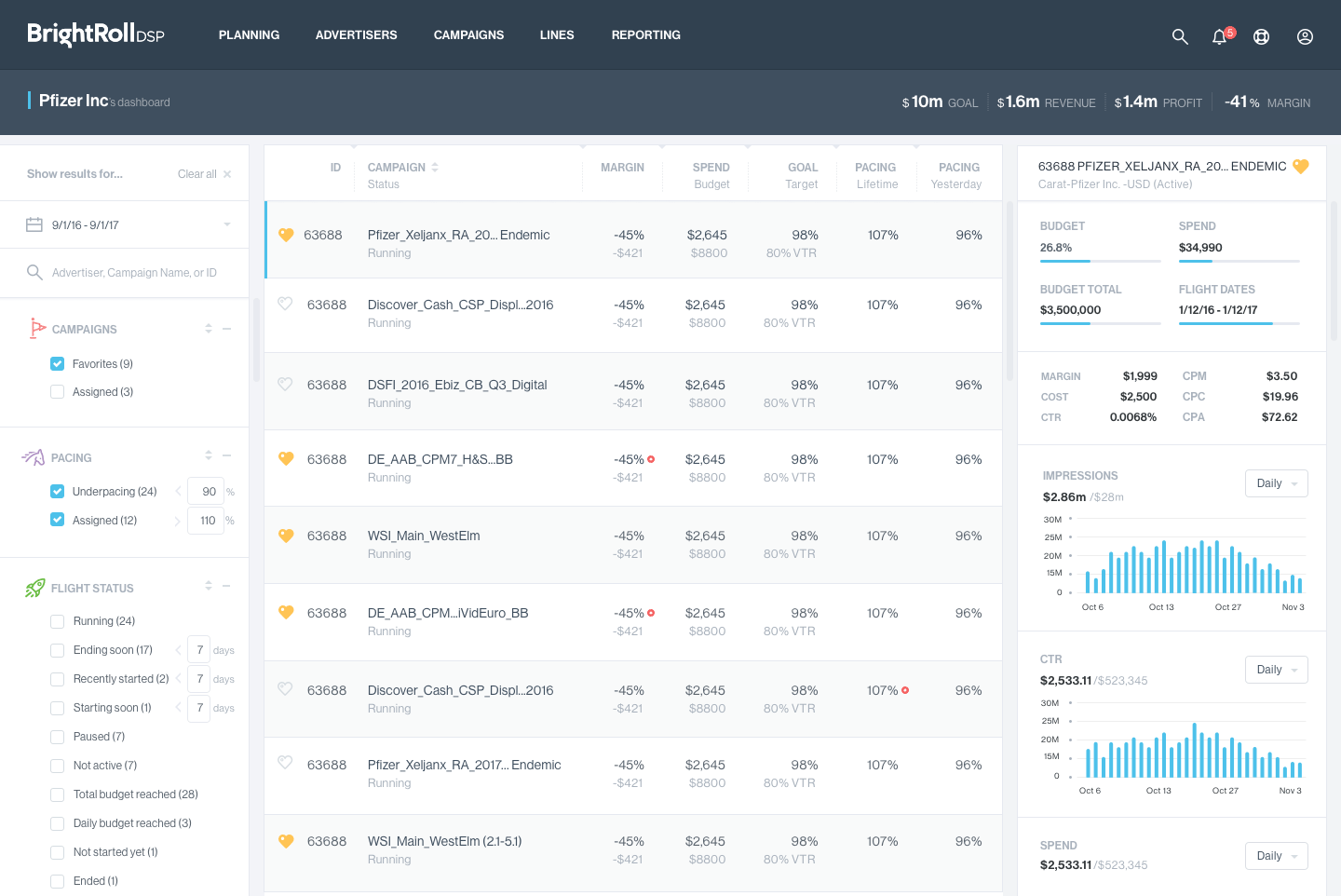
Poor client experience: Legacy product company detail screen